 2R TOOLS
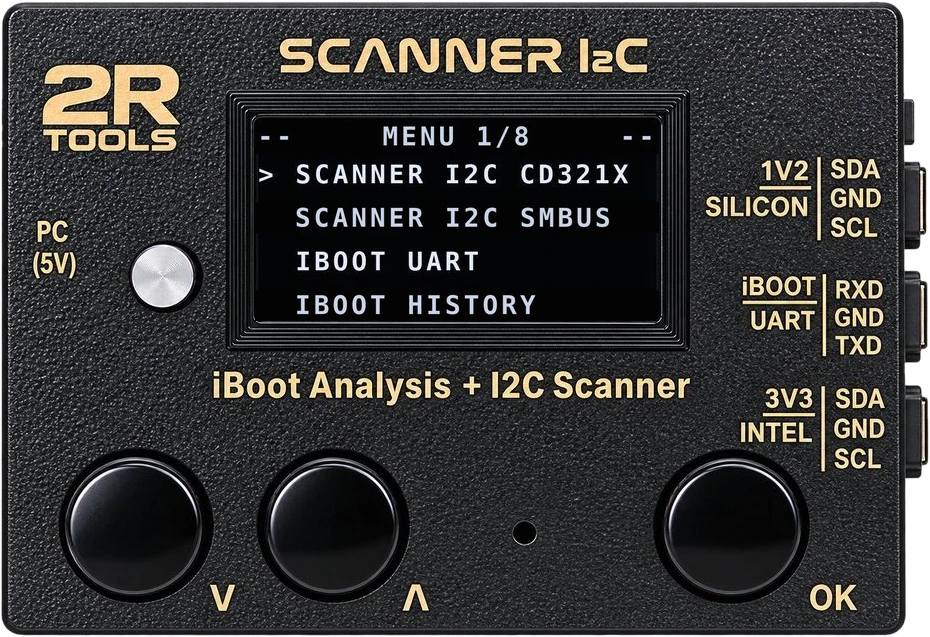
2R Tools I2C Scanner
- OLED display mirrored in the app
- I²C Logic Analyzer and CD321X
- Automatic USB connection
- Firmware updated by the app itself
Price on request
Buy on WhatsAppLearn more →MacBook logic board repair
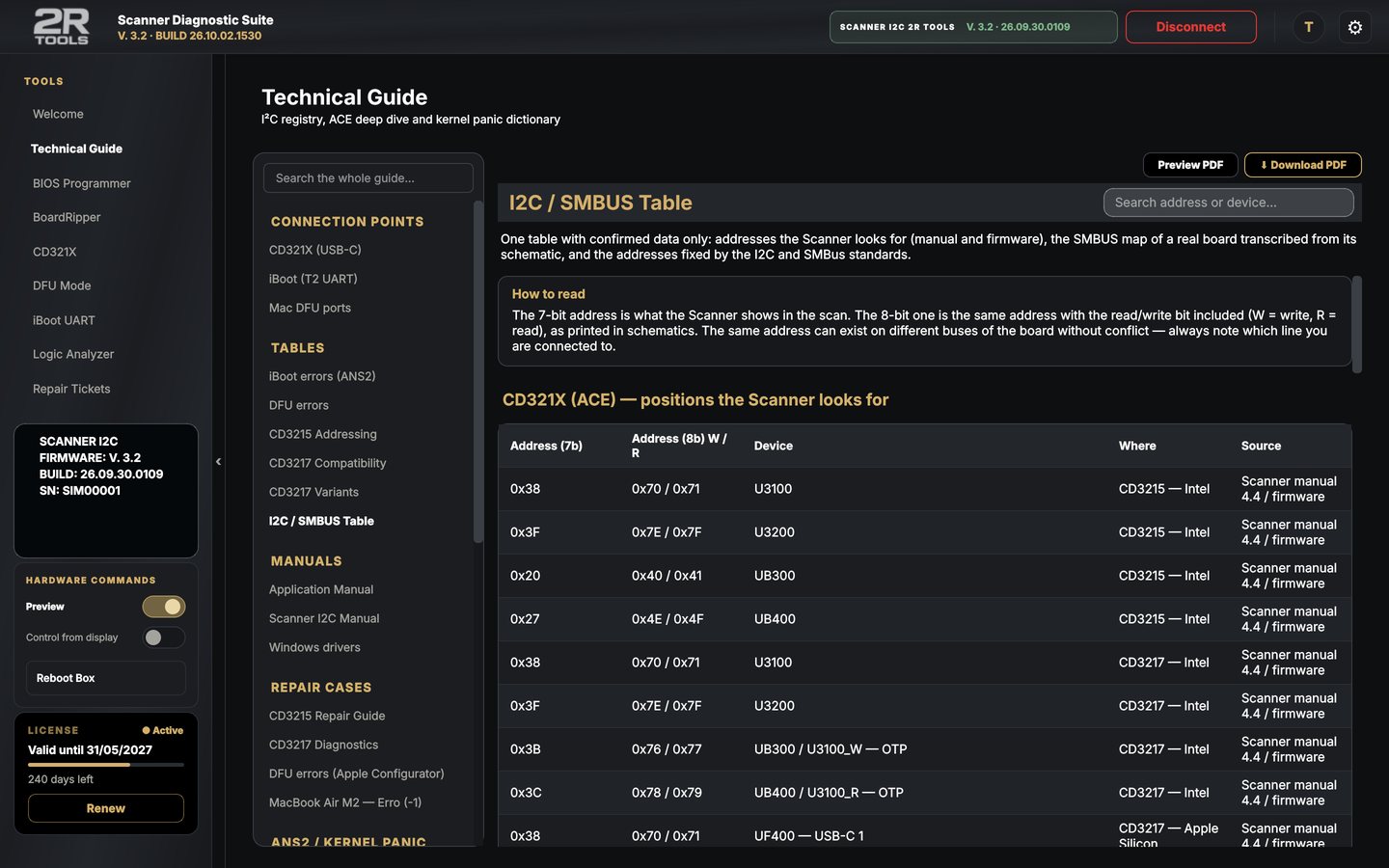
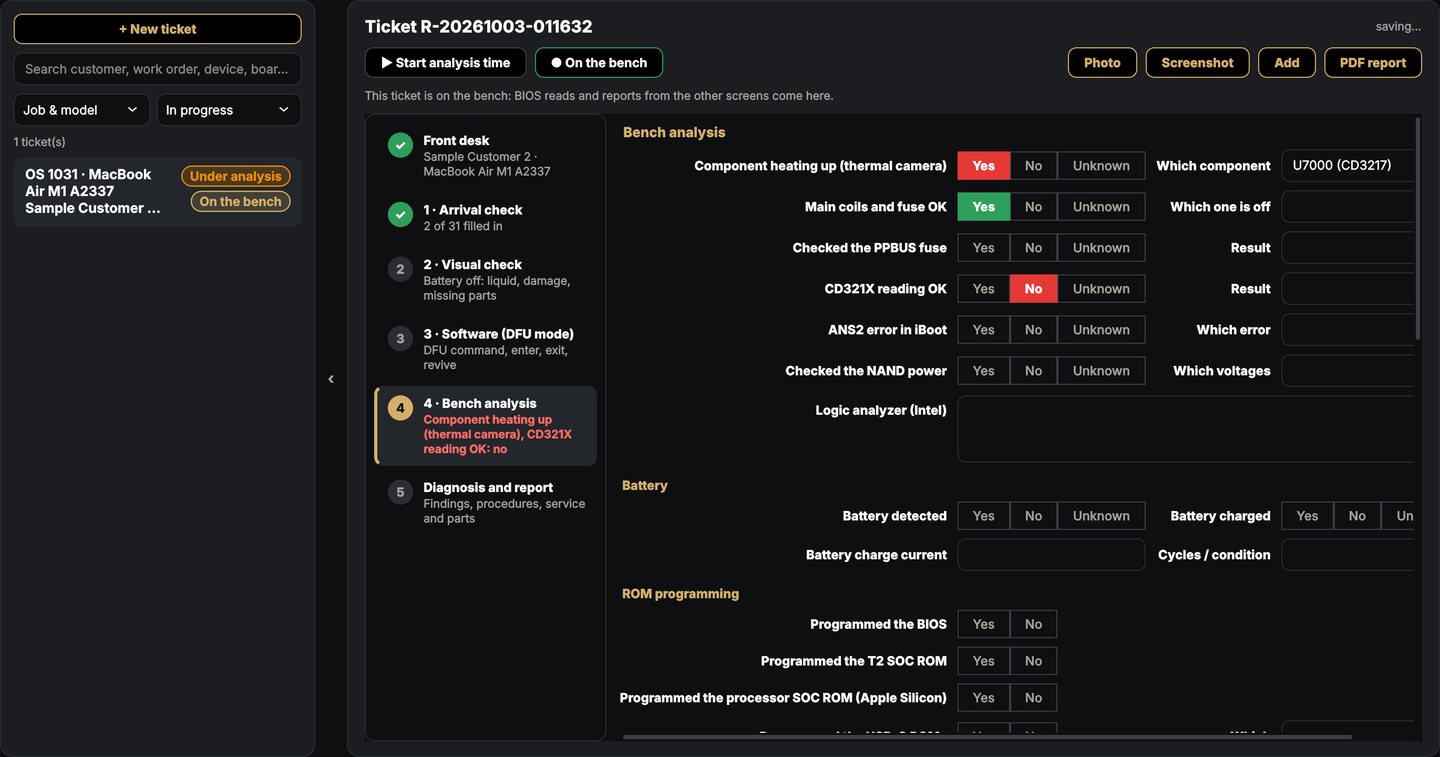
The 2R Tools I2C Scanner reads the board's bus. The Scanner Diagnostic Suite shows the waveform, the addresses, the CD321X port by port, the iBoot log with the likely cause, programs BIOS chips and follows every repair up to a PDF report with real photos of the repair and your shop's logo.
Apple Silicon Mac · Intel Mac (macOS 10.13+) · Windows 10/11 · Phone and iPad
Products
The app works with the I2C Scanner and, even without the box, it is a BIOS programmer, DFU Mode, BoardRipper and Technical Guide.
Price on request
Buy on WhatsAppLearn more →From R$ 39 / month
PricingLearn more →Free
Download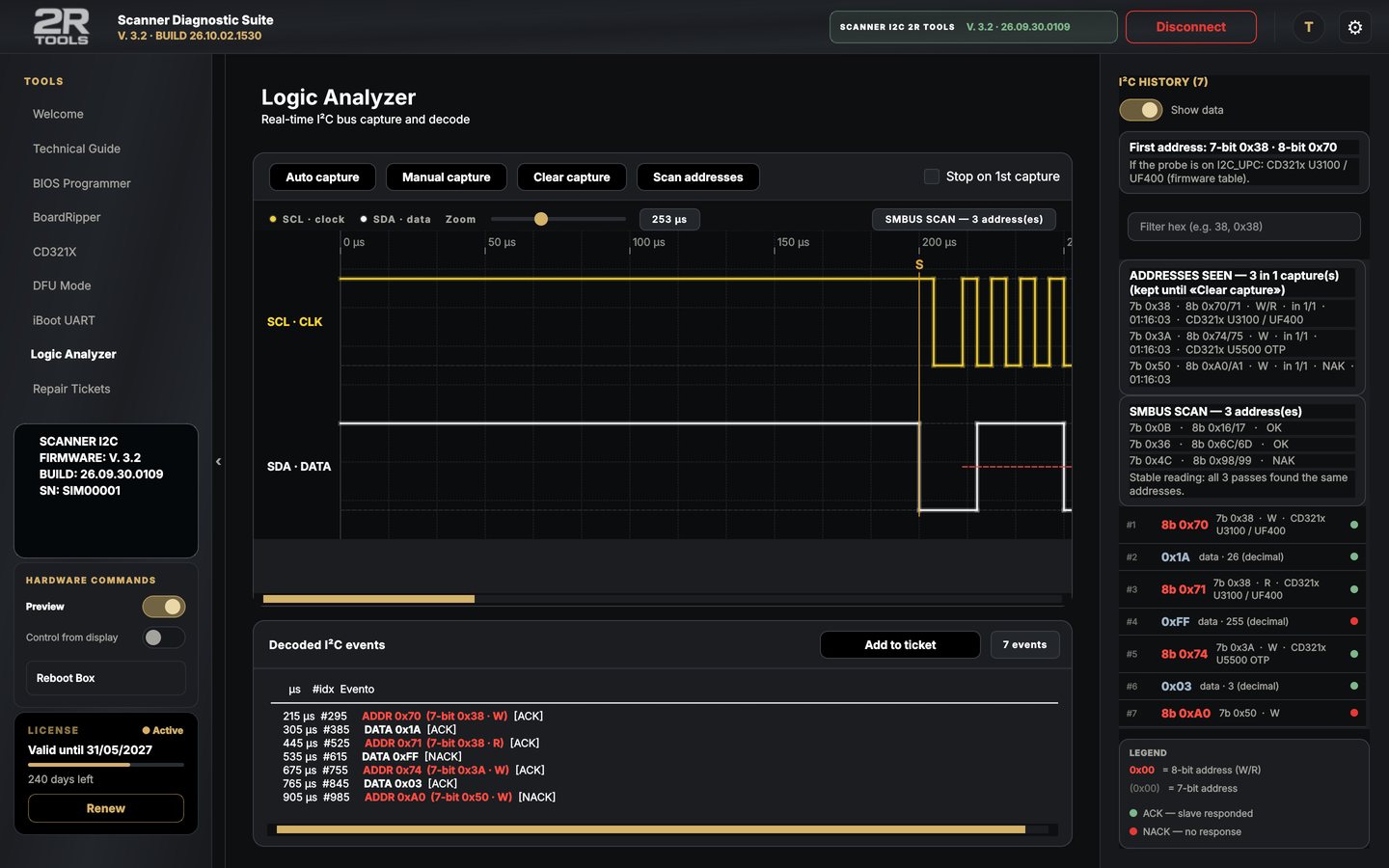
Pricing
Download the app, type your e-mail and choose «Free 10-day trial». To keep going, subscribe in the app: the license unlocks by itself as soon as the payment is confirmed.
10 days
Everything unlocked with one click. One trial per e-mail and per computer.
Download the appR$ 39 / month
30 days of access. Never charged automatically: the app reminds you to renew.
R$ 319 / year
365 days of access. R$ 149 less than 12 months on the monthly plan.
R$ 399 / year
365 days of access, up to 10 installments by card.
Prices in Brazilian reais (BRL). Pay by Pix (QR code) or card on InfinitePay's secure page. No plan is charged automatically. Renewing early adds the days to the time you still have. Without a subscription, the app keeps working as the free version (Technical Guide, manuals, DFU Mode and repair tickets).
Outside Brazil? Talk to us on WhatsApp — we also accept PayPal. WhatsApp →
Downloads
App V. 3.2 · BUILD 26.10.02.1530 · Firmware V. 3.2 · BUILD 26.09.30.0109
| File | For | Version | |
|---|---|---|---|
| Scanner Diagnostic Suite.pkg installer | Mac Apple SiliconmacOS 13 or later | 3.2 | Ask on WhatsApp |
| Scanner Diagnostic Suite.pkg installer | Mac IntelmacOS 10.13 to 26 (no BoardRipper) | 3.2 | Ask on WhatsApp |
| Scanner Diagnostic SuiteSetup.exe installer | Windows 10/1164-bit (no DFU Mode) | 3.2 | Ask on WhatsApp |
| 2R Tools - BancadaFree, no login | Mac Apple Silicon · Intel · Windows | 3.2 | Ask on WhatsApp |
| Firmware Scanner I2C.uf2 · board RP2040 | Raspberry Pi Pico | V. 3.2 | Download |
| Firmware Scanner I2C.uf2 · board RP2350 | Raspberry Pi Pico 2 | V. 3.2 | Download |
| ManualsI2C Scanner and App (PDF) | All | 3.2 | Ask on WhatsApp |
With the box connected, the app tells you when there is new firmware and installs it in the same window.
Hold the board's BOOTSEL button and plug in the USB cable. An RPI-RP2 (or RP2350) drive appears.
Drag the firmware file onto that drive. The board restarts by itself with the new version.
What's new
V. 3.2
BUILD 26.10.02.1530
Technical support
Questions about installing, your license or a repair: message us on WhatsApp with the board model and what you have measured.
Drag the app to Applications. If macOS blocks it, open System Settings › Privacy & Security and click «Open Anyway». The installer's «If the Mac blocks it.txt» file has the Terminal command, if you need it.
In the app: About (ⓘ) › License › Renew subscription. Pay by Pix or card and the license unlocks by itself.
Use a USB data cable (some cables only charge), make sure the app is version 3.2 and, in Settings › Connection and firmware, turn on «Show the Scanner port» to pick the port by hand.
Yes, on Windows 10 and 11 (64-bit). DFU Mode over the cable is only on Apple Silicon Macs.
Yes. The shop's Mac and PC work on the same tickets through a shared folder or the shop server.